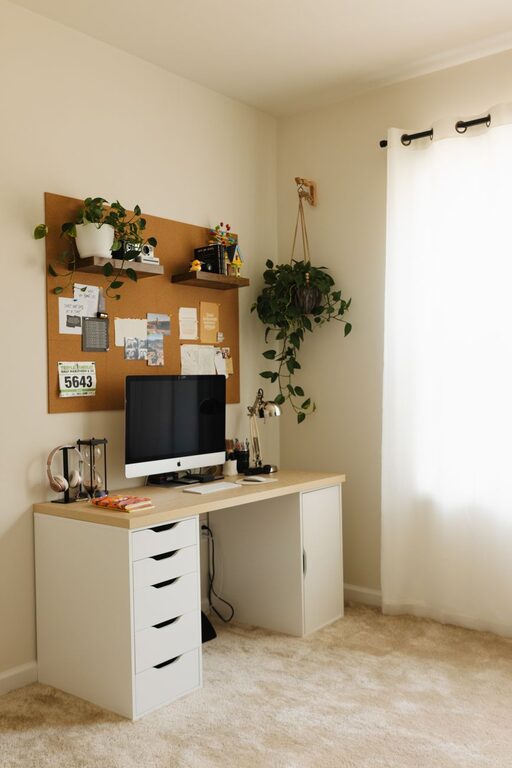
Creating a home office that feels both cozy and productive can make a big difference in how you approach your workday. Whether you’re working remotely full-time or occasionally from home, having a dedicated space that balances comfort with functionality can boost your focus and creativity. Here are some helpful tips to design a home office that works for you.
Choose the Right Location
Finding the right spot for your home office is the first step. Ideally, pick a quiet area with minimal distractions.
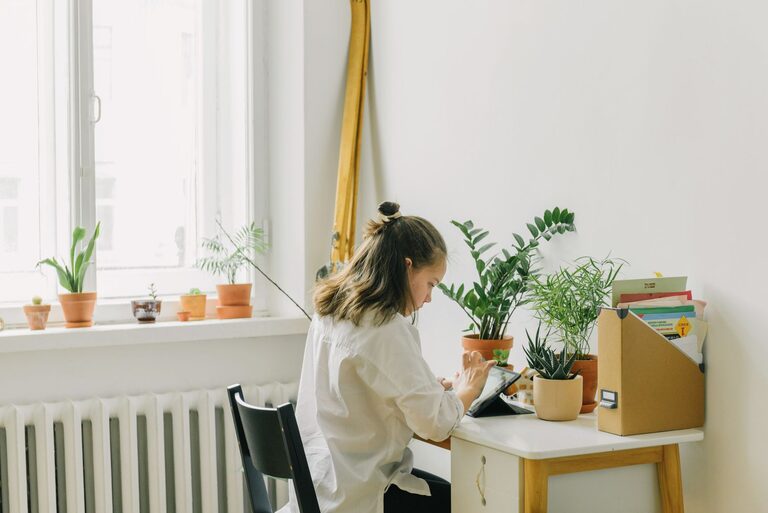
– Consider natural light: A space near a window helps you stay energized and reduces eye strain.
– Privacy matters: Try to find a room where you can close the door or at least partition off to limit noise.
– Think about space: Make sure there’s enough room for your desk, chair, and any storage you need without feeling cramped.
Invest in Comfortable and Ergonomic Furniture
Your office furniture plays a crucial role in both comfort and productivity.
– Ergonomic chair: Opt for an adjustable chair with good lumbar support to prevent back pain during long hours.
– Desk height: Choose a desk that suits your height or is adjustable. Standing desks or convertible options can also be beneficial.
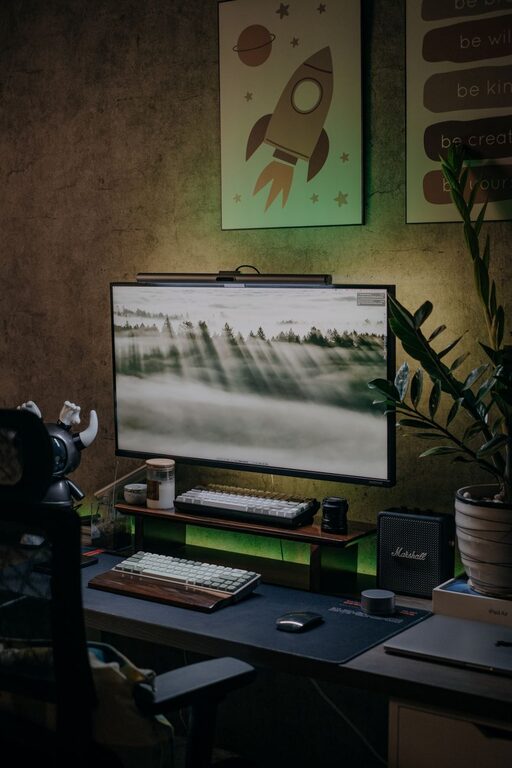
– Placement: Arrange your desk so your computer screen is at eye level and avoids glare from windows or lights.
Create a Clutter-Free Environment
A tidy workspace helps your mind stay clear and focused.
– Organize with storage: Use shelves, filing cabinets, or desk organizers to keep papers and supplies orderly.
– Daily declutter: Spend a few minutes at the end of each day putting things away.
– Limit distractions: Keep personal items and unrelated clutter out of view to maintain a professional atmosphere.
Add Personal and Cozy Touches
While productivity matters, making your office inviting encourages you to spend time there happily.
– Soft textures: Add a cozy rug, cushions, or curtains to soften the space and absorb sound.
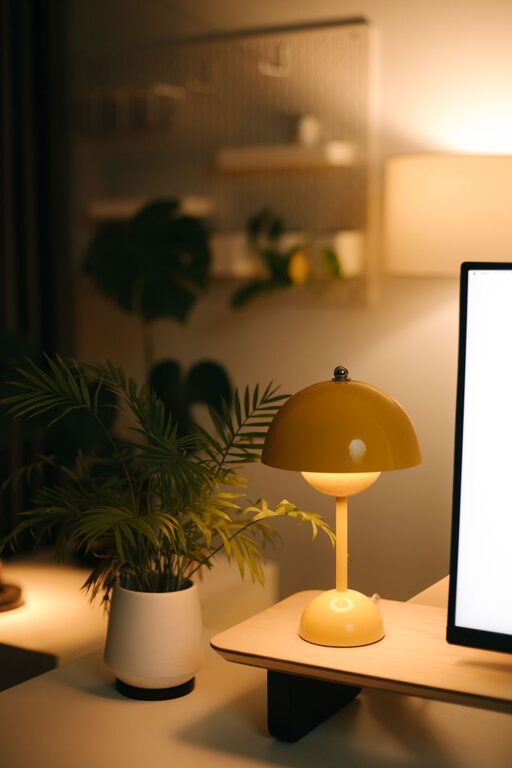
– Warm lighting: Use lamps with warm bulbs or dimmable lights to create a soothing ambiance.
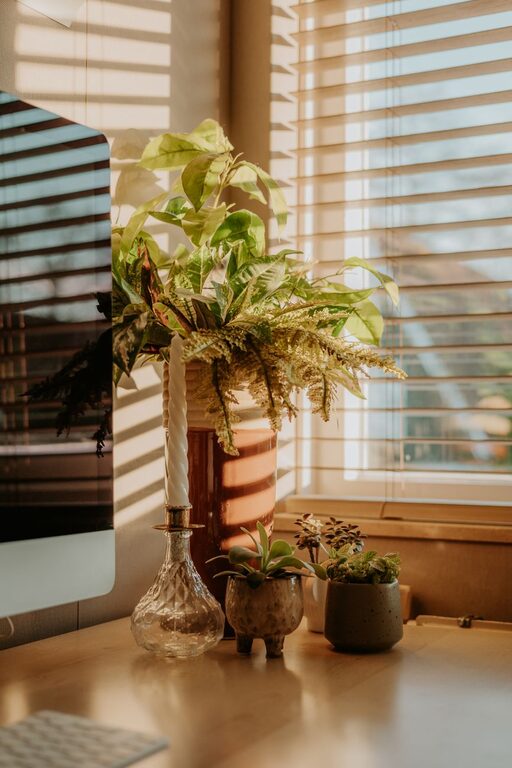
– Plants: Adding greenery can improve air quality and provide a calming effect.
– Artwork or inspiring quotes: Decorate walls with pieces that motivate or make you smile.
Manage Noise and Improve Acoustics
Noise can quickly break concentration. Addressing sound control helps keep you focused.
– Use rugs and curtains: These help absorb echo and reduce outside noise.
– Noise-canceling headphones: Great for blocking out background sounds, especially in busy households.
– White noise machines: A steady background sound can sometimes improve concentration.
Set Up Technology Efficiently
Having reliable and well-organized tech is essential.
– High-speed internet: Ensure your Wi-Fi connection is strong and stable.
– Cable management: Use clips or sleeves to keep cords tidy and prevent tangling.
– Optimize your workspace: Place monitors, keyboards, and other devices within easy reach to maintain good posture.
Establish a Routine and Boundaries
Your home office should support your work habits and help separate professional time from personal time.
– Set regular work hours: Stick to a schedule to build a routine.
– Define office boundaries: Let family members or roommates know your work schedule to minimize interruptions.
– Take breaks: Remember to move, stretch, and rest your eyes regularly.
Incorporate Storage and Supplies
Organizing your work materials efficiently saves time.
– Keep essentials close: Have frequently used items within arm’s reach.
– Label and categorize: Clear labeling helps you find documents or supplies quickly.
– Use vertical space: Shelves or wall organizers free up desk space.
Maximize Natural Light and Airflow
Good air quality and light impact comfort and performance.
– Open windows when possible: Fresh air helps keep you alert.
– Use light-colored walls: Reflect light, making the space feel brighter and larger.
– Avoid harsh overhead lights: Instead, use adjustable lamps for softer illumination.
—
Creating a cozy and productive home office doesn’t have to be complicated or expensive. By focusing on comfort, organization, and personalization, you can design a workspace that supports your work goals and makes working from home more enjoyable. Start small and adjust as you discover what best suits your style and needs. Happy working!