
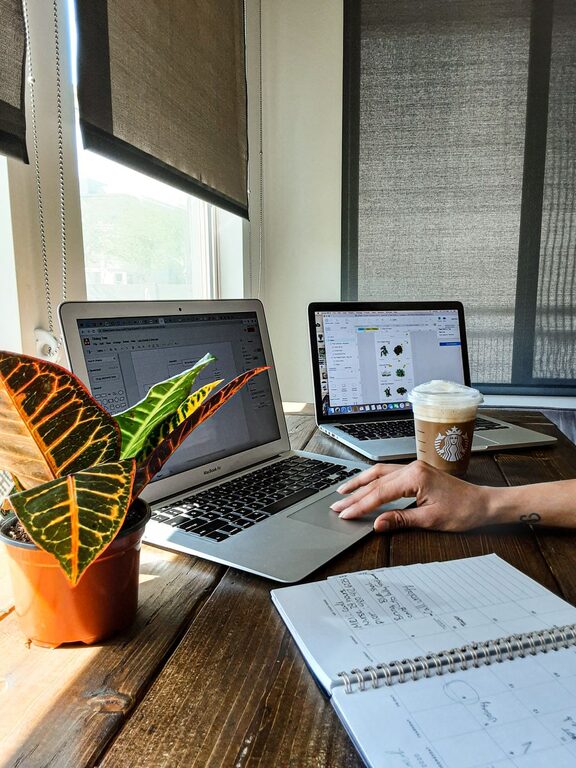
Creating a home office that feels both cozy and productive is essential for anyone working remotely or managing tasks from home. A well-designed workspace can improve your focus, reduce stress, and help balance comfort with functionality. Whether you have a dedicated room or a small corner, these tips will guide you in setting up an ideal home office that suits your needs.
Choose the Right Location
Consider Natural Light and Quietness
When selecting a spot for your home office, prioritize areas with plenty of natural light. Sunlight can boost mood and energy levels, making it easier to stay alert. Avoid places with frequent noise or distractions, such as near busy streets or communal living spaces.
Use Available Space Wisely
If you don’t have a spare room, look for underutilized areas like a nook, part of your bedroom, or even a section in your living room. Using vertical space with shelves or wall-mounted organizers can help maximize a small setup.
Invest in Comfortable Furniture
Choose an Ergonomic Chair
A good chair supports your back and encourages proper posture. Look for chairs with adjustable height, lumbar support, and comfortable cushioning to prevent discomfort during long hours.
Select a Suitable Desk
Your desk should be spacious enough to hold your computer, accessories, and work materials. Adjustable desks or those with built-in storage can help keep your workspace organized.
Organize for Efficiency
Declutter Your Space
A tidy environment helps reduce stress and maintain focus. Regularly remove unnecessary items and keep only what you need for daily tasks.
Use Storage Solutions
Implement shelves, drawers, boxes, or filing cabinets to store documents and supplies. Label containers to know exactly where everything is, saving time and effort.
Personalize Your Environment
Add Elements That Inspire You
Decorate your workspace with plants, artwork, or items that bring you joy. Greenery can improve air quality and add a touch of nature, while personal touches make the space inviting.
Choose Calming Colors
Colors can influence your mood. Soft, neutral tones like beige, light blue, or pale green create a relaxing atmosphere, while brighter colors can energize and stimulate creativity.
Optimize Lighting and Technology
Use Layered Lighting
Combine natural light with task lighting such as desk lamps or floor lamps to reduce eye strain. Adjustable lighting helps you control brightness depending on the time of day.
Keep Technology Updated and Comfortable
Ensure your computer, monitor, keyboard, and mouse are ergonomically set up. For example, your screen should be at eye level to prevent neck strain.
Establish Boundaries and a Routine
Create Clear Work Hours
Designate specific times for work to separate professional tasks from personal life. This routine helps maintain productivity and prevents burnout.
Inform Household Members
Communicate your work hours and office boundaries with family or roommates to minimize interruptions.
Incorporate Break Areas and Movement
Take Regular Breaks
Step away from your desk periodically to stretch or walk. This helps maintain energy and reduces physical discomfort.
Add a Comfortable Spot Nearby
If space permits, create a small corner with a cozy chair or cushion where you can relax, read, or brainstorm away from your desk.
—
By thoughtfully designing your home office around these ideas, you can enjoy a space that feels welcoming and supports your best work. Remember, creating an environment tailored to your comfort and needs is key to long-term productivity and well-being.